
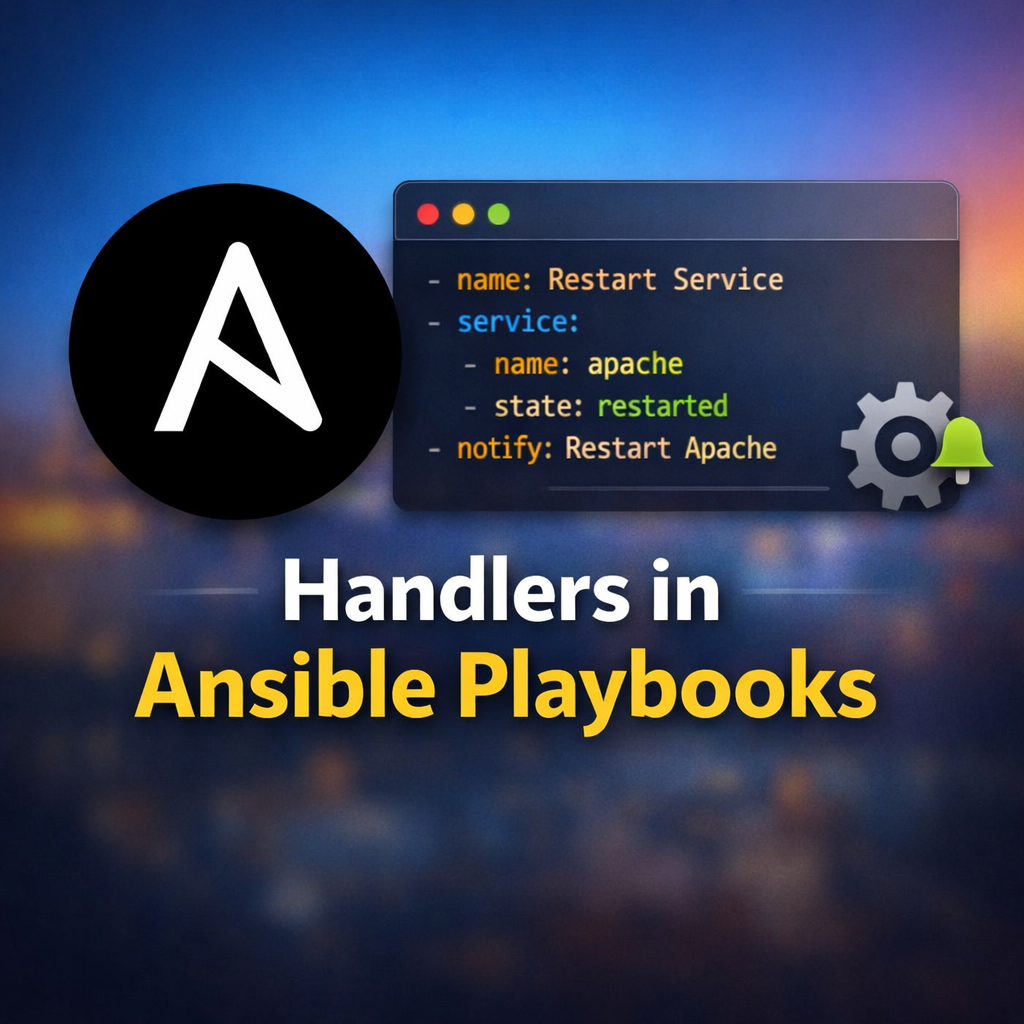

Handlers in Ansible play an important role in the Playbook. Ansible modules are designed to be idempotent. This means that in a properly written playbook, the playbook and its tasks can be run multiple times without changing the managed host unless they need to make a change to get the managed host to the desired state.
However, sometimes when a task does make a change to the system, a further task may need to be run. For example, a change to a service’s configuration file may then require that the service be reloaded so that the changed configuration takes effect. This is where Handlers in Ansible come into playbook.
Table of Contents
What are Ansible handlers?
Handlers are tasks that respond to a notification triggered by other tasks. Tasks only notify their handlers when the task changes something on a managed host. Each handler has a globally unique name and is triggered at the end of a block of tasks in a playbook. If no task notifies the handler by name then the handler will not run. If one or more tasks notify the handler, the handler will run exactly once after all other tasks in the play have completed. Because handlers are tasks, administrators can use the same modules in handlers that they would use for any other task. Normally, handlers are used to reboot hosts and restart services.
Handlers differ from regular tasks in a couple of ways. First, they are not part of the sequential execution and are only executed towards the end of the playbook if notified.
Handlers can be considered as inactive tasks that only get triggered when explicitly invoked using a notify statement. The following example shows how the Apache server is only restarted by the restart apache handler when a configuration file is updated and notifies it:
—
– name: Ansible first playbook in handler
hosts: remote_hosts
tasks:
– name: copy index.php configuration template
template:
src: index.php
dest: /var/www/html
notify:
– restart apache
handlers:
– name: restart apache
service:
name: apache2
state: restarted
In the previous example, the restart apache handler triggers when notified by the template task that a change happened. A task may call more than one handler in its notify section. Ansible treats the notify statement as an array and iterates over the handler names:
—
– name: Ansible first playbook in handler
hosts: remote_hosts
tasks:
– name: copy index.php configuration template
template:
src: index.php
dest: /var/www/html
notify:
– restart apache
– restart mysql
handlers:
– name: restart apache
service:
name: apache2
state: restarted
– name: restart mysql
service:
name: mysql
state: restarted
DESCRIBING THE BENEFITS OF USING HANDLERS IN ANSIBLE
As discussed in the Ansible documentation, there are some important things to remember about
using handlers:
• Handlers always run in the order specified by the handlers section of the play. They do not run in the order in which they are listed by notify statements in a task, or in the order in which tasks notify them.
• Handlers normally run after all other tasks in the play complete. A handler called by a task in the tasks part of the playbook will not run until all tasks under tasks have been processed. (There are some minor exceptions to this.)
• Handler names exist in a per-play namespace. If two handlers are incorrectly given the same name, only one will run.
• Even if more than one task notifies a handler, the handler only runs once. If no tasks notify it, a handler will not run.
• If a task that includes a notify statement does not report a changed result (for example, a package is already installed and the task reports ok), the handler is not notified. The handler is skipped unless another task notifies it. Ansible notifies handlers only if the task reports the changed status.
How To Use Loops to notify handlers in Ansible ?
Tasks can use loops to notify handlers. This is particularly useful when combined with variables to trigger multiple dynamic notifications.
Note that the handlers are triggered if the task as a whole is changed. When a loop is used the changed state is set if any of the loop items are changed. That is, any change triggers all of the handlers.
—
– name: Handlers with loop
hosts: remote_hosts
tasks:
– name: Template services
template:
src: index.php
dest: /var/www/html
# Note: if *any* loop iteration triggers a change, *all* handlers are run
notify: Restart {{ item }}
loop:
– memcached
– apache
handlers:
– name: Restart memcached
service:
name: memcached
state: restarted
– name: Restart apache
service:
name: apache
state: restarted
You can refer also Ansible public documentation page https://docs.ansible.com/projects/ansible/latest/playbook_guide/playbooks_handlers.html to get more information about Ansible Handlers.
Please visit our official website https://linuxgktech.com/ansible/ to know more about Ansible
